Property record
64 Clyde Street
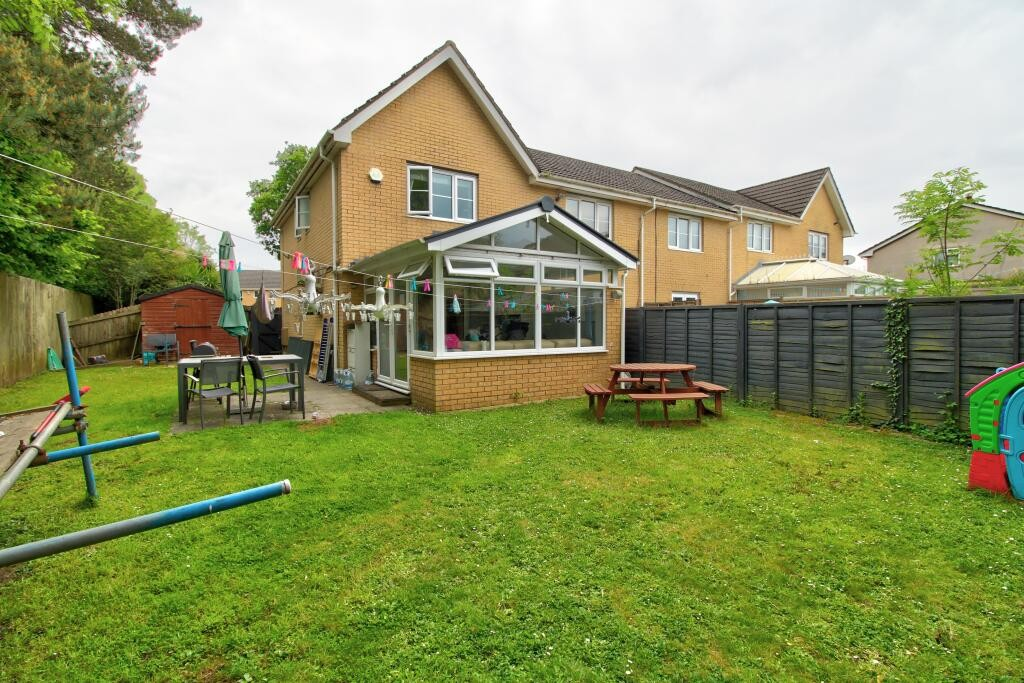
Drag a photo to reorder how it appears everywhere.
Add photos
Interior shots unlock door-to-room navigation. 20 slots left.
Prepare property views
Building areas and masks are saved once for each photo before Builder opens.
Hotspot editor
Back DoorDrag on the photo to outline a door, stairway or opening.
- door “Back Door” → PropertyLivingRoom
Floor plan → 360° interiors
Upload a PDF or image of the building's real floor plan to replace the generated schematic — it then appears everywhere the plan is shown. Rooms are read from the plan so you can generate a 360° interior per room.
- Conservatory · conservatory
- Lounge/Diner · living/dining space360° ✓
- Kitchen · kitchen
- WC · bathroom
- Bedroom 1 · bedroom
- Bedroom 2 · bedroom
- Ensuite 1 · bathroom
- Ensuite 2 · bathroom
- Storage · storage
Assign each photo to a floor — sharpens the per-storey plans
- PropertyRear
- PropertyLivingRoom
- PropertyFront
- PropertyUpstairs
Floorplan
Uploaded planUploaded real floor plan. Click to drop the selected mark; use the list below to toggle a door’s lock or remove a mark.
No marks yet — click the schematic to add one.
Scenarios at this property
None yet — start one from a photo above.