
Property record
National Museum Cardiff
Evacuation plan should already be established with Museum management.=.
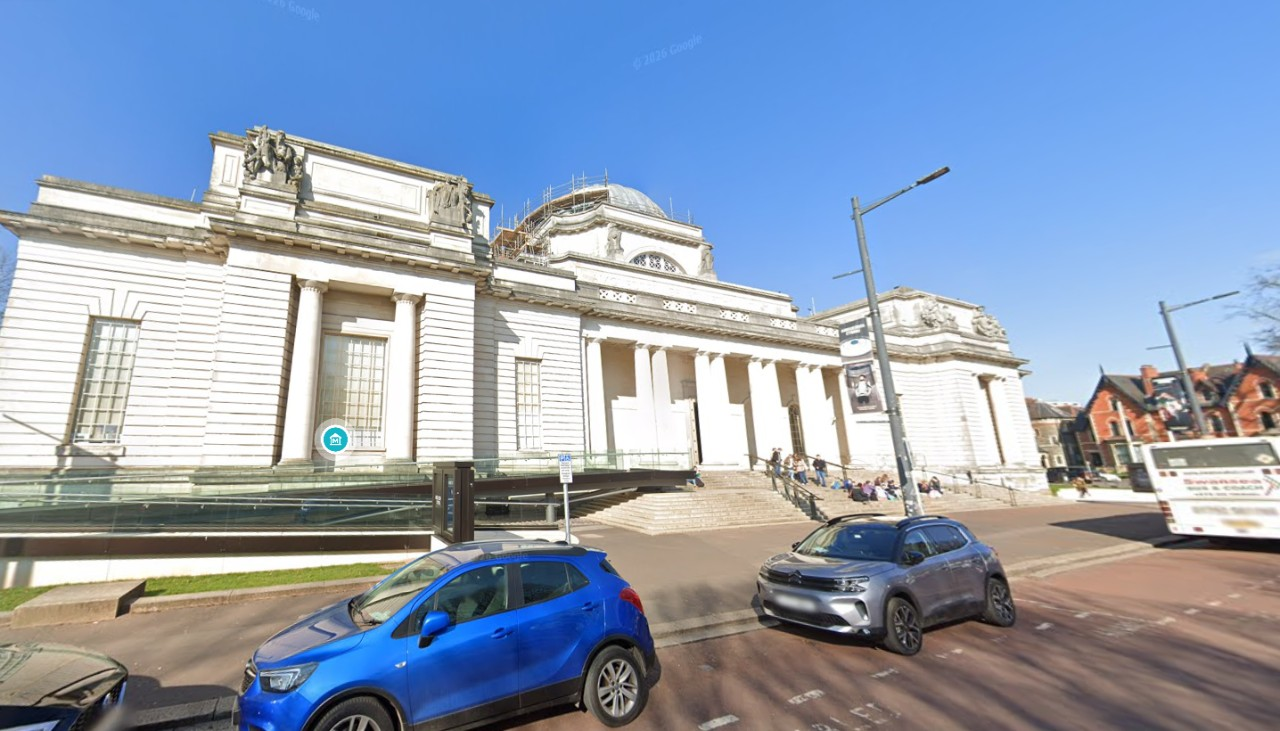
Drag a photo to reorder how it appears everywhere.
Add photos
Interior shots unlock door-to-room navigation. 14 slots left.
Prepare property views
Building areas and masks are saved once for each photo before Builder opens.
Hotspot editor
Front EntranceLeft Side ViewRight Side ViewDrag on the photo to outline a door, stairway or opening.
- door “Front Entrance” → InteriorEntrance
- door “Left Side View” → Screenshot 2026-07-08 114640
- door “Right Side View” → Screenshot 2026-07-08 115516
Floor plan → 360° interiors
Upload a PDF or image of the building's real floor plan to replace the generated schematic — it then appears everywhere the plan is shown. Rooms are read from the plan so you can generate a 360° interior per room.
- Main Hall · hallway
- Clore Discovery Centre · exhibit
- Clore Learning Space · classroom
- Evolution of Wales · exhibit
- Special Exhibitions · exhibit
- Temporary Exhibitions · exhibit
- Oriel Restaurant · restaurant
- Mission: Planet Earth · exhibit
- Galleries 1-10 · art gallery
- Galleries 11-16 · art gallery
- Gallery 17 · art gallery
- Gallery 18-24 · art gallery
Assign each photo to a floor — sharpens the per-storey plans
- Screenshot 2026-07-08 115442
- Screenshot 2026-07-08 115516
- Screenshot 2026-07-08 114640
- Screenshot 2026-07-08 115130
- Screenshot 2026-07-08 115235
- Screenshot 2026-07-08 115605
- InteriorEntrance
- Screenshot 2026-07-17 082447
- Gallery 2
- InteriorUpstairs
Floorplan
Uploaded planUploaded real floor plan. Click to drop the selected mark; use the list below to toggle a door’s lock or remove a mark.
No marks yet — click the schematic to add one.
Scenarios at this property
None yet — start one from a photo above.